¶ DZD Apply - the new DZD application platform
¶ Create a DZD Apply account
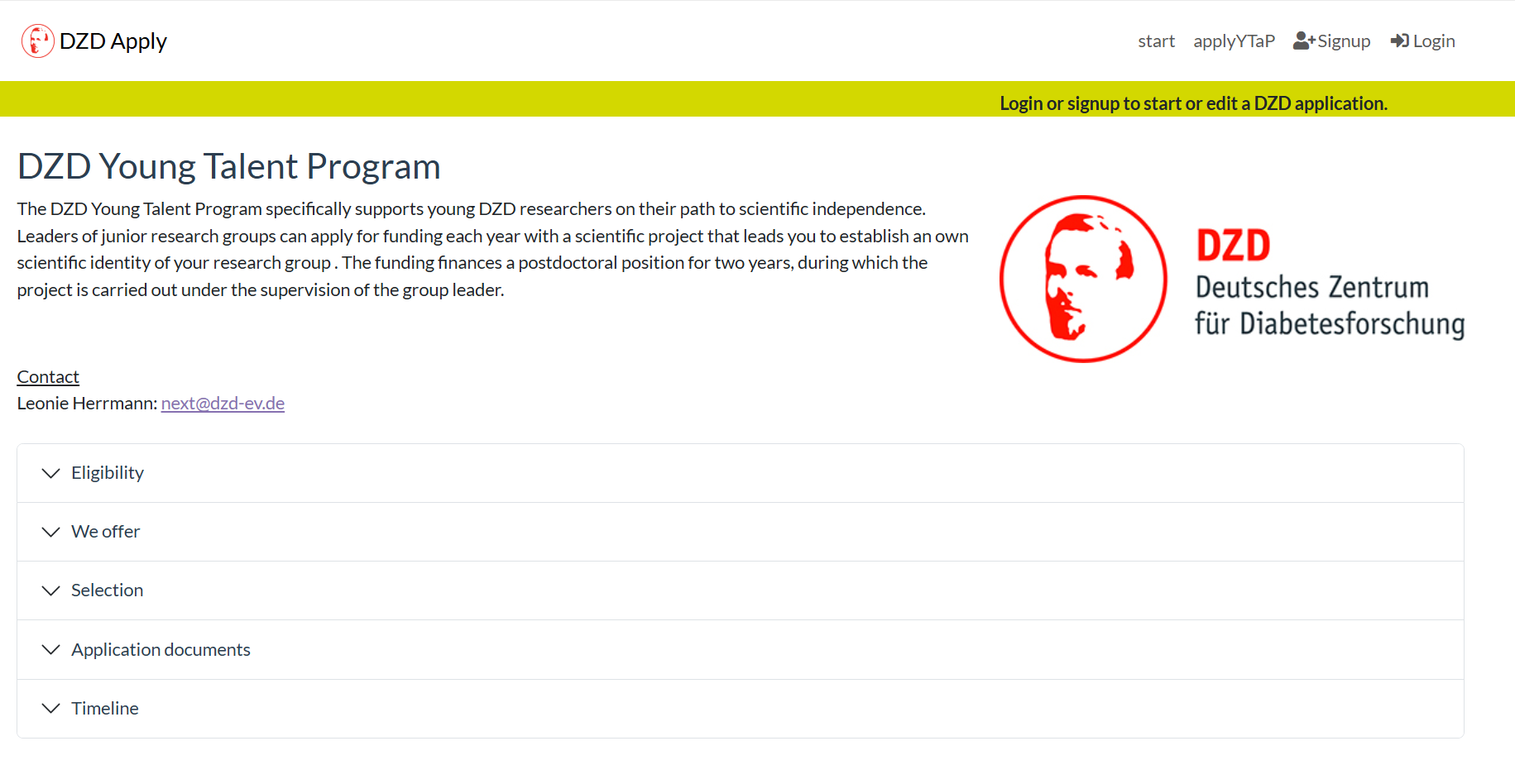
To submit an application, you need to create a DZD Apply account: Click “Signup" in the menu on the top.
 |
 |
|
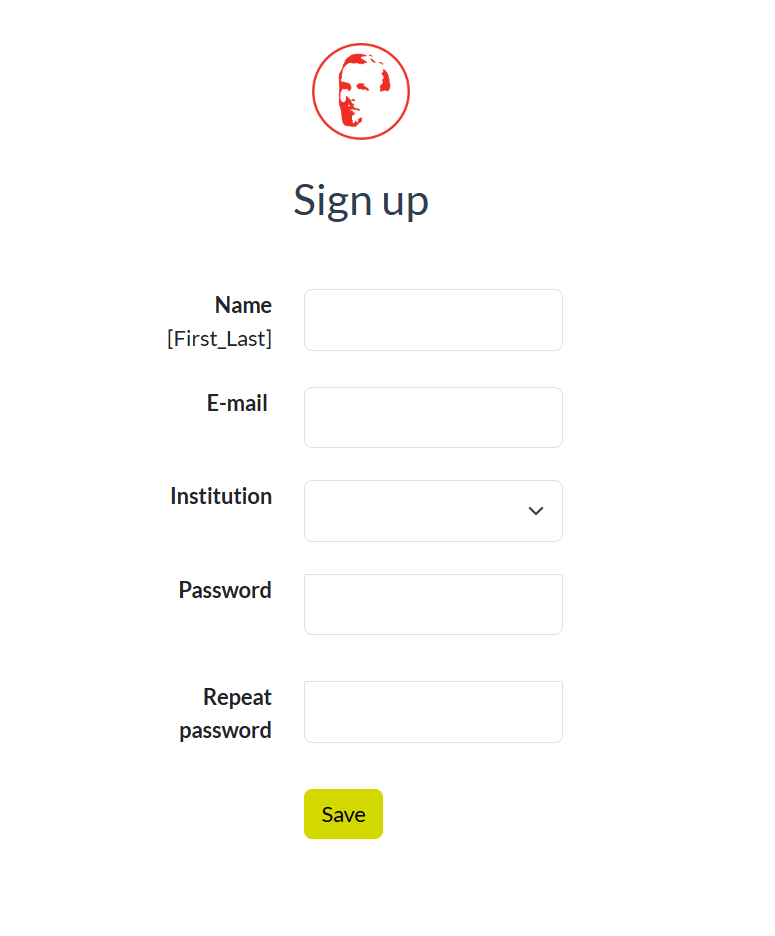
Signup with your name (first name, then last name), your institutional e-mail address. Choose a passwort and save your loggin data to edit your application later. Forgot your passwort? Contact next@dzd-ev.de |
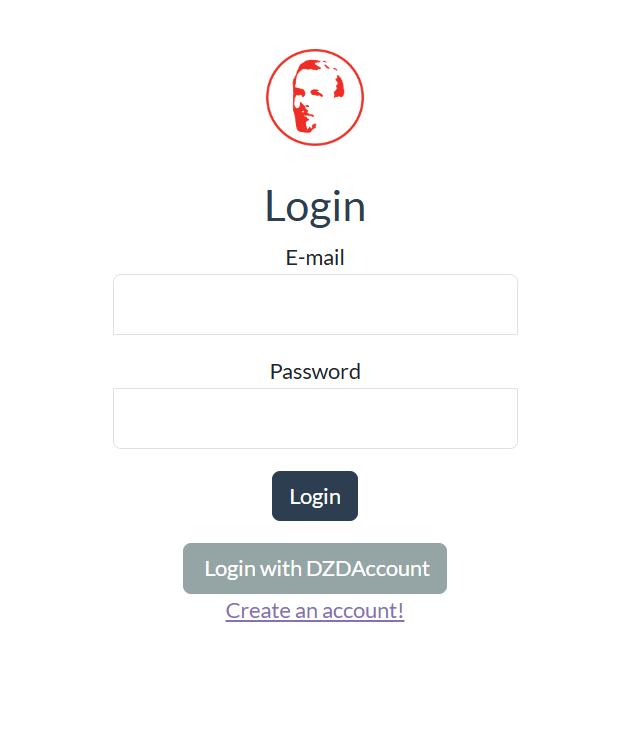
After you signed up: always login with your e-mail address and passwort that you signed up with above. |
¶ Submit an application
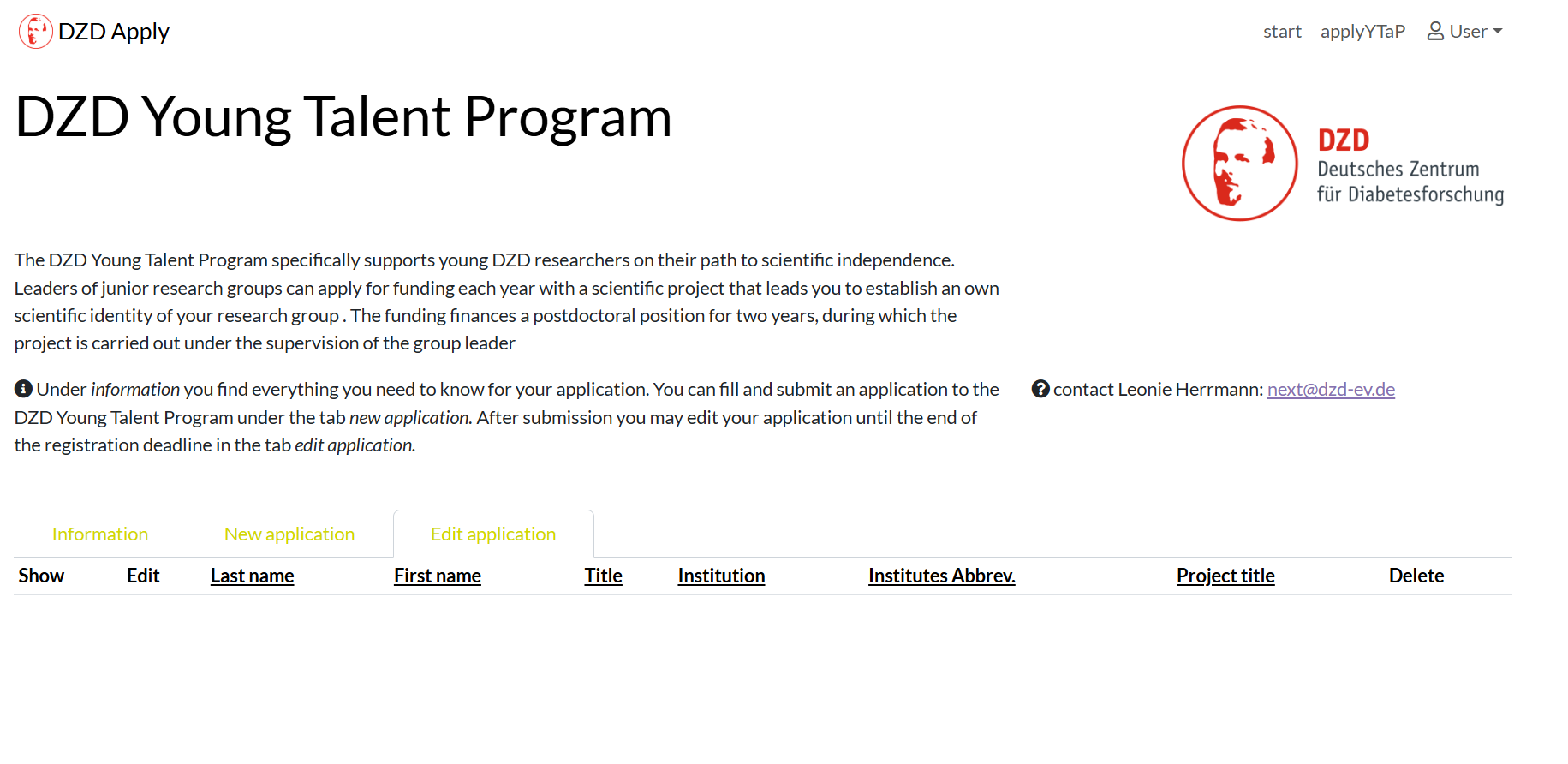
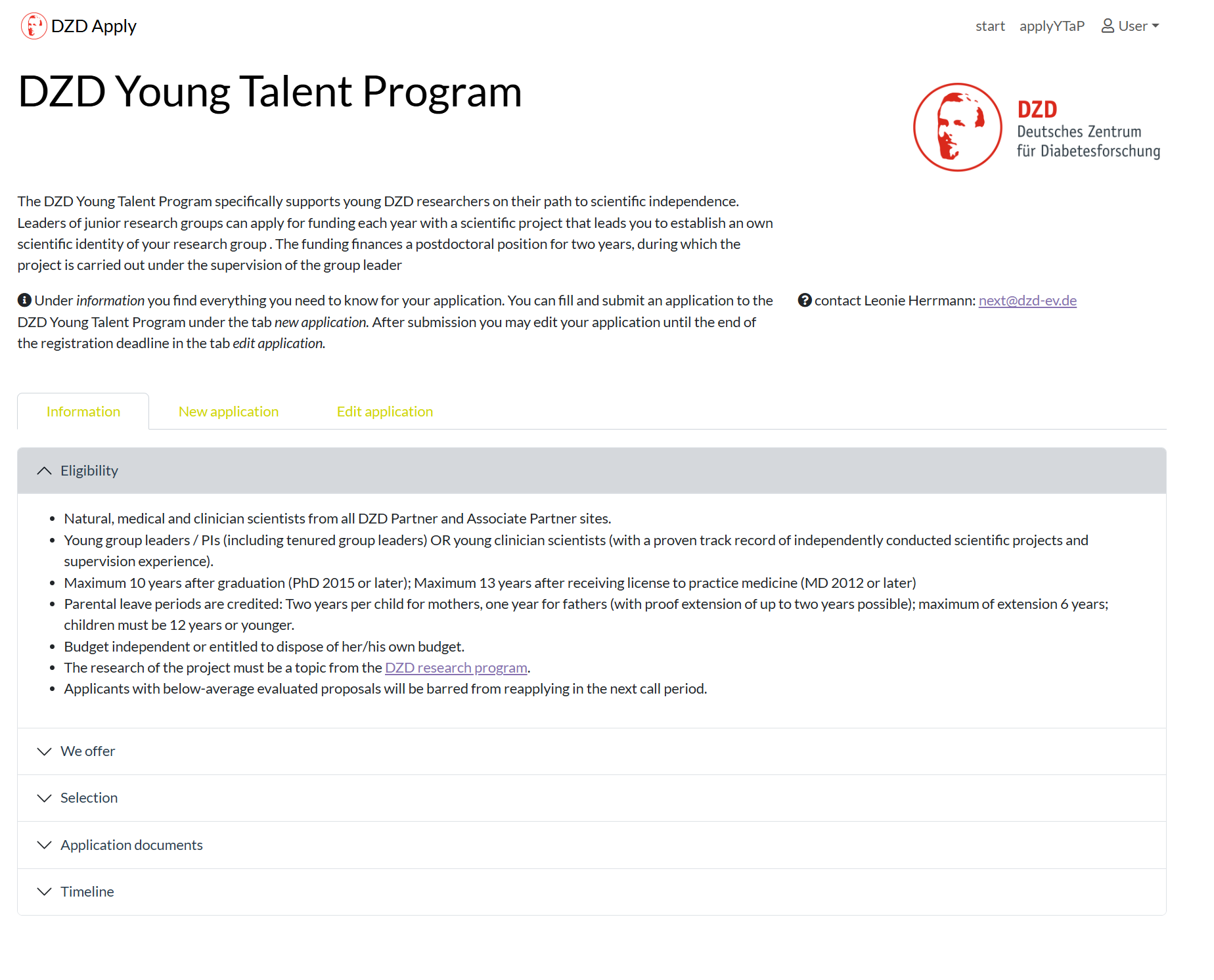
After signup and login you enter the DZD Young Talent Application portal. Under “information” you find the detailed call.
To add a new application, go to the tab “new application”. If you already have filled in and saved an application, you may go to “edit application” to change or complete your application. Please be aware, that this is only possible until the application deadline expires.
¶ New application
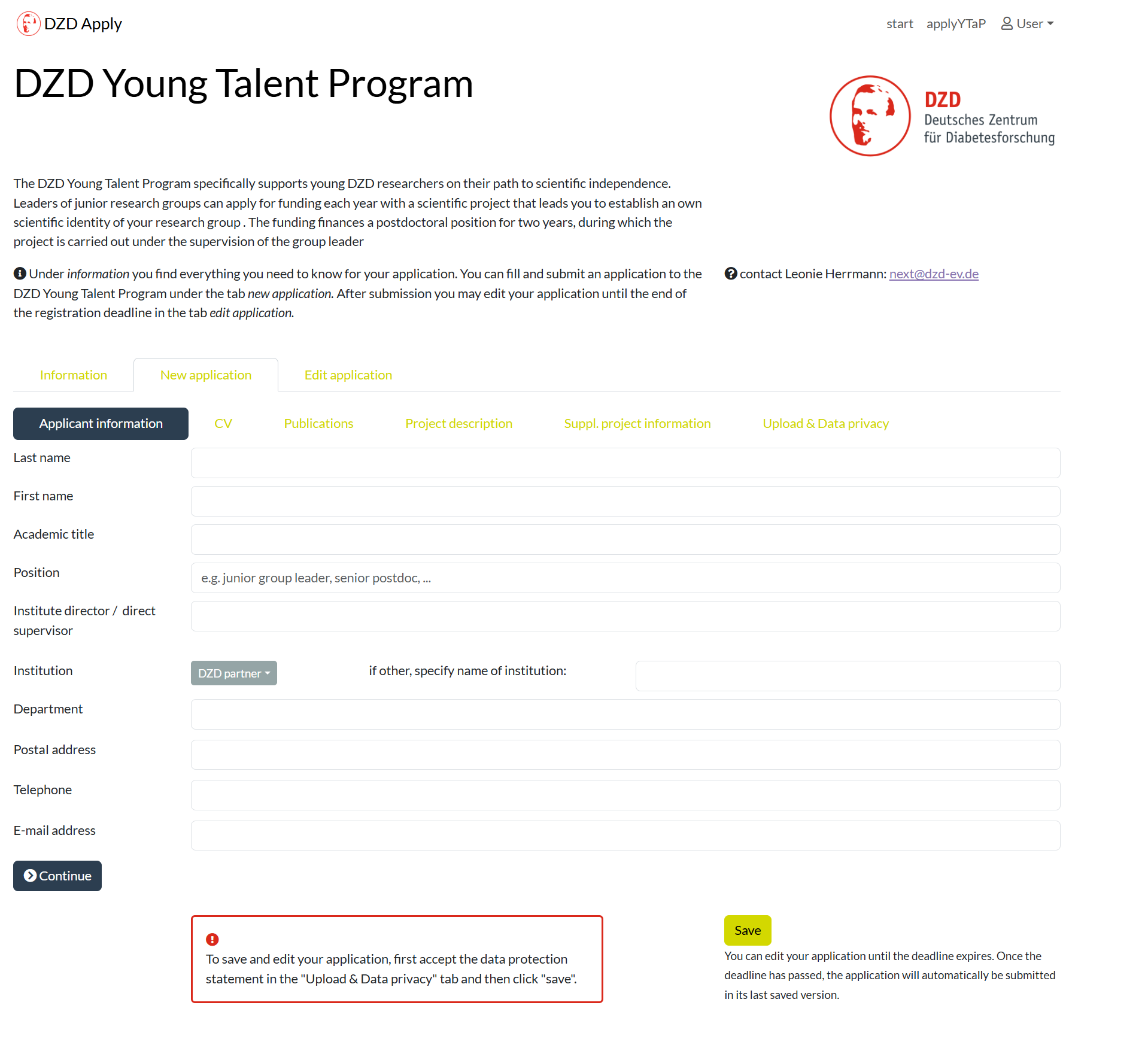
To submit an application to the DZD Young Talent Program, you have to fill in all fields in the tabs:
- applicant information
- CV
- publications
- project description
- suppl. project information
- upload & data privacy
You do not have to fill all fields in one session. You can save your application draft and edit it at a later timepoint.
Important: before you save your application (draft) you have to go to the tab “upload & data privacy” and accept the data protection statement.
¶ Edit application
Until the application deadline, you find your saved drafts in the tab “edit application”. You will find a link to edit the draft in the column “edit”.
Important: if you decide not to submit your application draft, please delete it. All drafts saved at the date of the application deadline will be submitted to review.